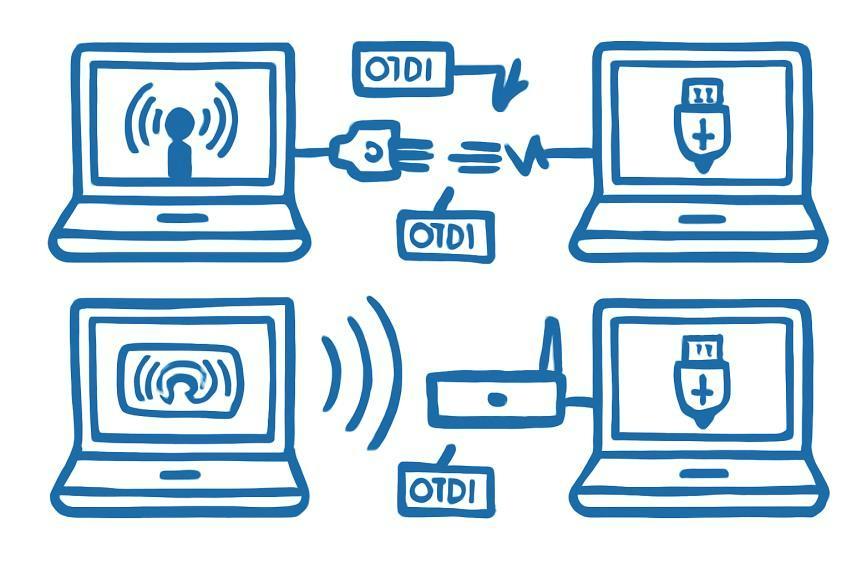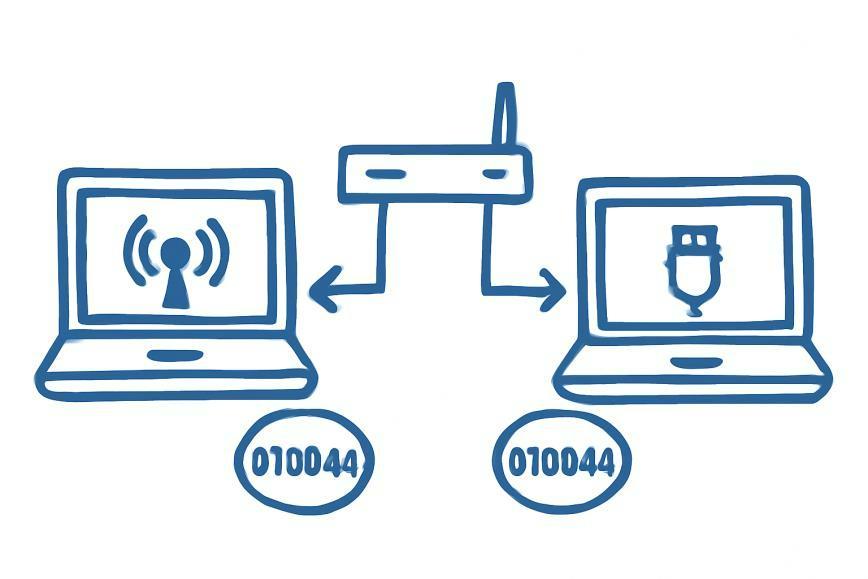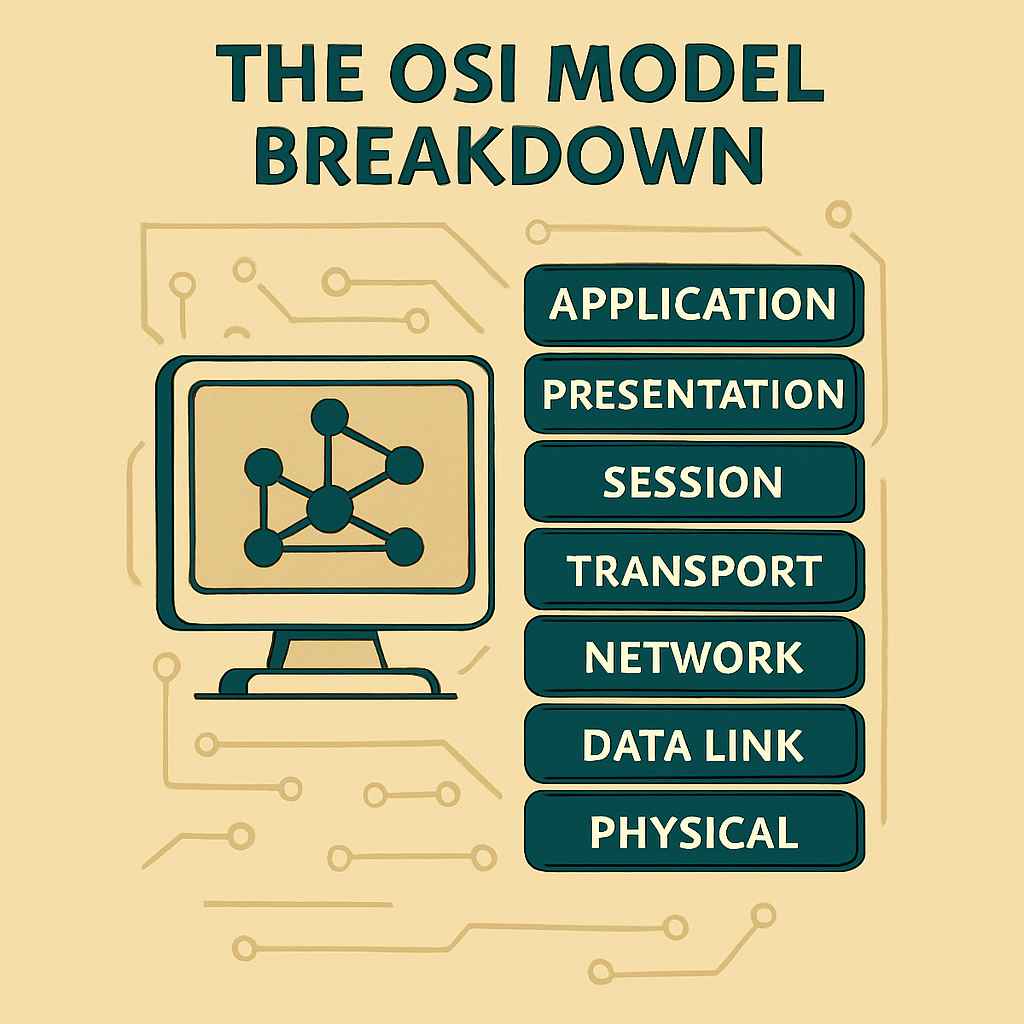
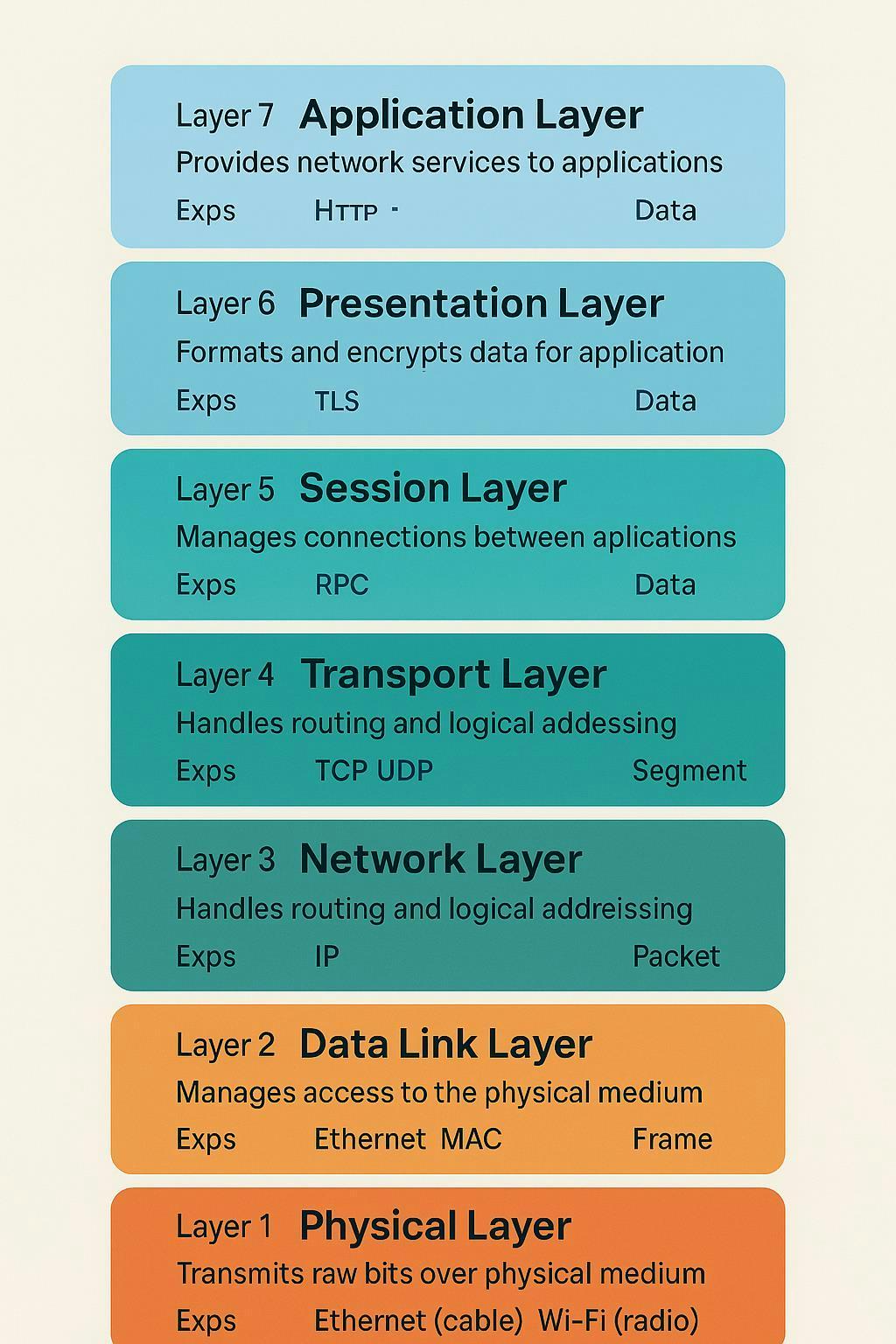
The OSI model, short for Open Systems Interconnection Model, is a standardized framework created by the International Organization for Standardization (ISO) in 1984. It was designed to help engineers, developers, and vendors understand, design, and troubleshoot network systems by breaking down the complex process of communication into seven clear, functional layers.
Why It Was Created
As networks grew more complex, so did the challenge of making systems from different vendors work together. The OSI model provided a common reference point for a universal language for how data moves across a network, regardless of hardware, software, or vendor differences.
Blueprint Purpose
If Blog 1 introduced you to what the internet is and how devices communicate using protocols, this blog picks up where that left off: by exploring the internal mechanics behind that communication. The OSI model doesn't describe specific technologies - it describes how they should be structured.